User Feedback
User Feedback
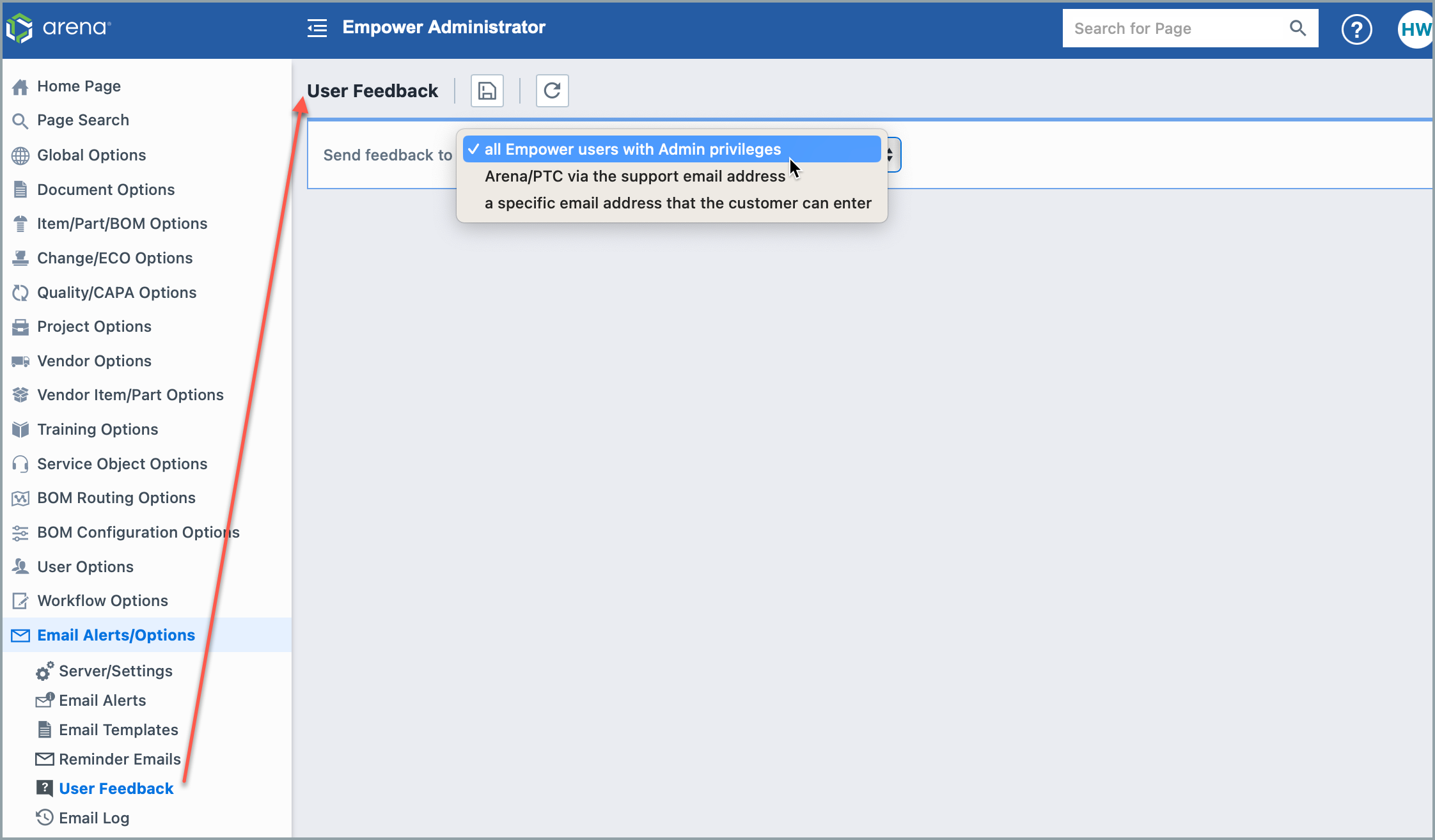
Empower Administrator > Email Alerts/Options > User Feedback Administrators can decide what happens to feedback submitted through the app.
Choices include sending feedback to:
- all Empower users with Admin Privileges
- Arena/PTC via the support email address
- a specific email address that the customer can enter
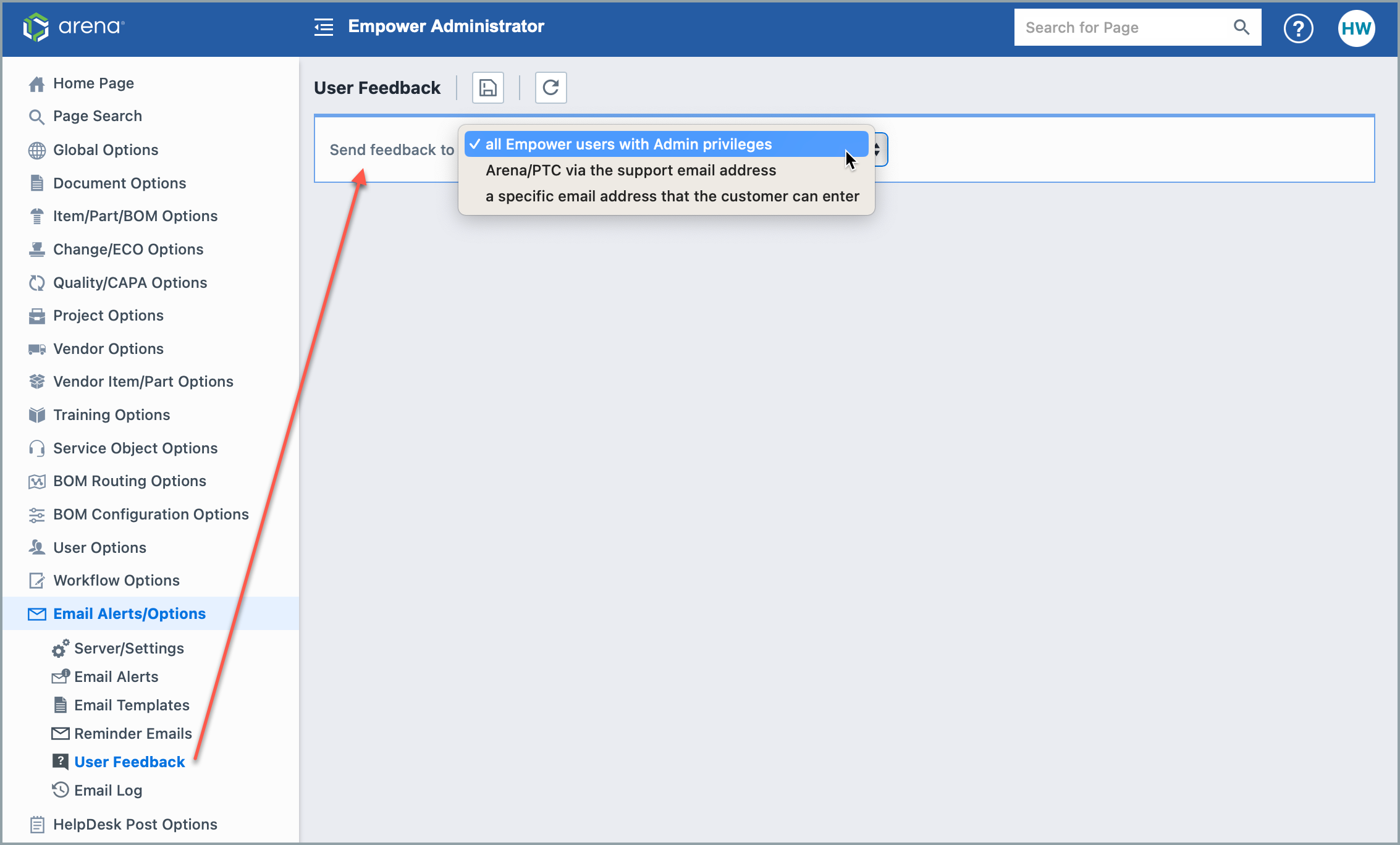
The following table describes the available options in the Send feedback to drop-down.
| Option | Description |
|---|---|
| all Empower users with Admin Privileges | Sends user feedback to all Empower users who have Administrator privileges. Note: Feedback submitted by users who themselves have Administrator privileges is always routed directly to arena-support@ptc.com, regardless of this setting. |
| Arena/PTC via the support email address | Sends user feedback directly to Arena/PTC support at arena-support@ptc.com. |
| a specific email address | Sends user feedback to a custom email address specified by the administrator. |
How to set up the 'Send Us Feedback' Link
- Go to Administrator > User Options > Permissions > General Options.
- Select the User Group you would like to be able to send feedback.
- Select "Can submit feedback to Arena/PTC"
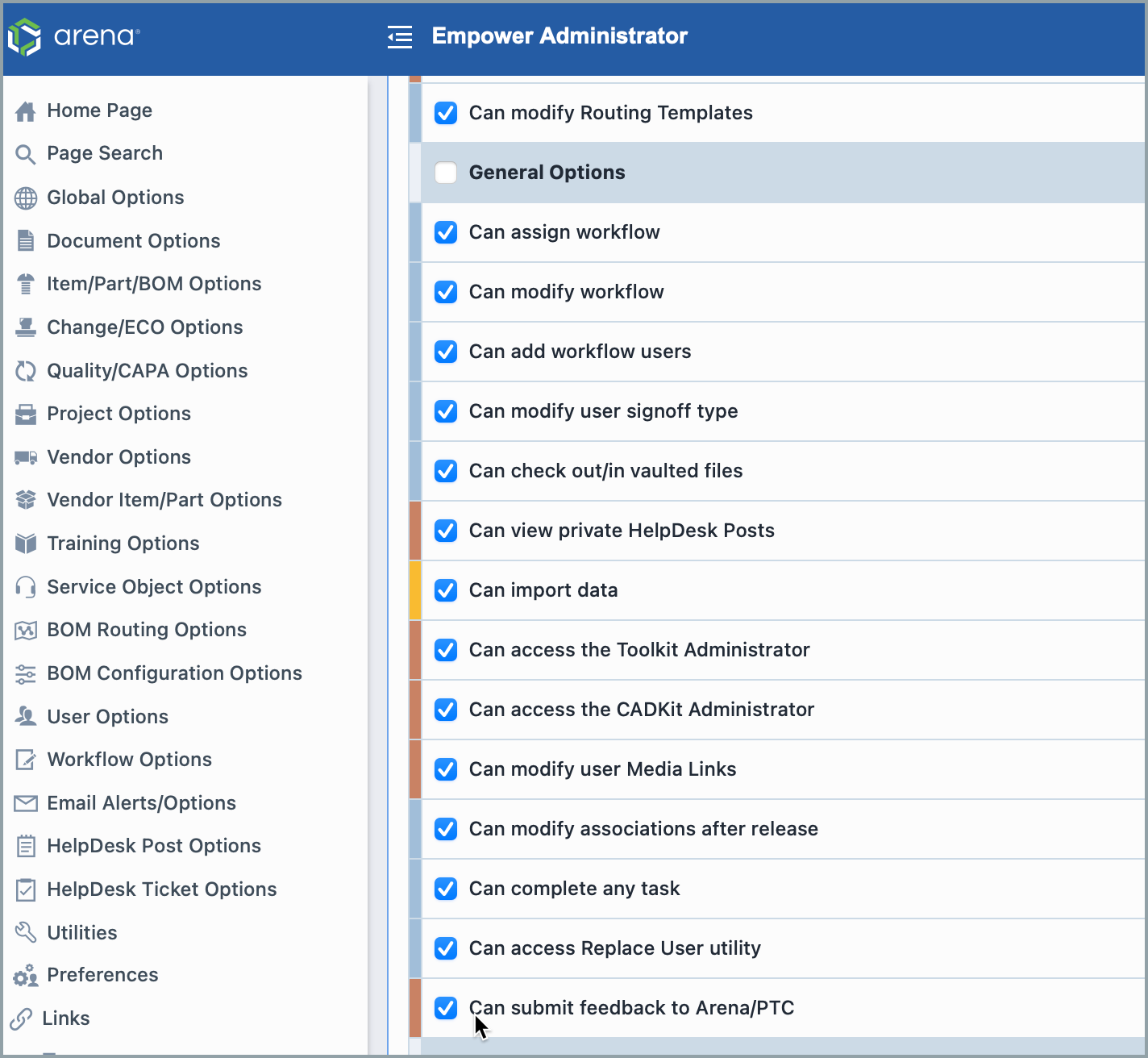
- Click the disk 'save' button at the top of the screen.
- Go to Administrator > Email Alerts/Options > User Feedback
- Select where the feedback will be directed using our drop-down menu.